
How to Write Better WhatsApp Messages Using AI for Work & Clients
Turn rough notes into crisp, polite, mobile-friendly WhatsApp messages for clients and teams in 15 seconds using AI prompts.

- Read time
- 6 min read
- Sections
- 11
- FAQs answered
- 6
- Topic
- Email & Communication
To write WhatsApp messages using AI for work and clients, give ChatGPT, Claude, or Gemini your core point, specify a 2-to-4-sentence mobile-friendly length, and set a warm, conversational tone without email-style greetings. AI turns awkward or overly blunt texts into clear, polite messages that get fast replies.
WhatsApp has become the default communication channel for client updates, agency check-ins, vendor coordination, and quick team decisions. Yet most people struggle with the format: write too formally and you sound like a stiff email pasted into a chat bubble; write too casually and a busy client misreads your urgency or tone.
Using AI to draft or polish your WhatsApp messages bridges that gap. In 15 seconds, you can turn messy voice-note thoughts into crisp, scannable chat messages—whether you are sending a payment reminder, sharing a project milestone, or de-escalating a frustrated client.
What You'll Need
Since WhatsApp does not have a universal business-writing copilot built into every account, most professionals pair WhatsApp Web or mobile with a fast AI app.
| Tool | Free Tier | Paid Tier | Best For |
|---|---|---|---|
| ChatGPT | Free mobile & desktop apps with voice input | ChatGPT Plus ($20/mo) with custom tone GPTs | Turning quick voice notes into clean WhatsApp updates |
| Gemini in Gmail / Gemini | Free Gemini web & mobile app | Google One AI Premium ($19.99/mo) | Fast mobile drafting on Android and quick message rewrites |
| Microsoft Copilot | Free web & mobile app | Copilot Pro ($20/mo) | Drafting quick client updates from desktop |
You can also use Claude on desktop or mobile when you need extra tact—such as declining an out-of-scope WhatsApp request without damaging the client relationship.
Step 1: Set Mobile-First Rules (Short, No Email Greetings)
The biggest mistake people make when they write WhatsApp messages using AI is letting the tool output an email. WhatsApp messages should never start with "Dear [Name]," and should rarely exceed 40 to 70 words.
Tell your AI upfront: "Format this for WhatsApp. Keep it under 60 words, use a friendly greeting like 'Hi [Name],' and break it into 2 short paragraphs or 3 quick bullets so it is easy to read on a phone screen."
Step 2: Dictate or Type Your Raw Message in Plain Language
Open ChatGPT or Gemini on your phone or desktop and speak or type what you actually mean—for example: "Tell Priya the homepage design is ready on Figma, ask her to review by Thursday noon so we don't miss Friday dev handoff, keep it upbeat."
Dictating into the AI app takes five seconds and removes the friction of typing long messages on a small keyboard.
Step 3: Pick the Exact Tone (Client, Vendor, or Teammate)
Different WhatsApp chats call for different energy:
- New or high-value clients: Warm, polite, zero slang, clear next step.
- Retainer clients you know well: Friendly, concise, light warmth (one natural emoji maximum if appropriate for your brand).
- Vendors or freelancers: Direct, specific about deliverables and deadlines, appreciative.
If you already wrote a message that feels too blunt or emotional, see our guide on how to use AI to rewrite messages professionally before hitting send.
Step 4: End With a Low-Friction Question
WhatsApp is built for fast back-and-forth. Ask AI to end your message with a binary or easy-to-answer question—for example, "Does 3 PM tomorrow work for a quick 10-minute call?" instead of "Let me know your availability this week." Easy questions get replies in minutes instead of days.
Step 5: Build a Mini Library of Client WhatsApp Snippets
If you send the same types of WhatsApp updates every week—like onboarding check-ins, invoice nudges, or meeting confirmations—save the best AI-generated versions in WhatsApp Business Quick Replies or your notes app. For email equivalents, check out our guide on how to create reusable email templates using AI, or pair WhatsApp nudges with our tips to write polite follow-up emails that get replies.
Best Prompts to Copy and Paste
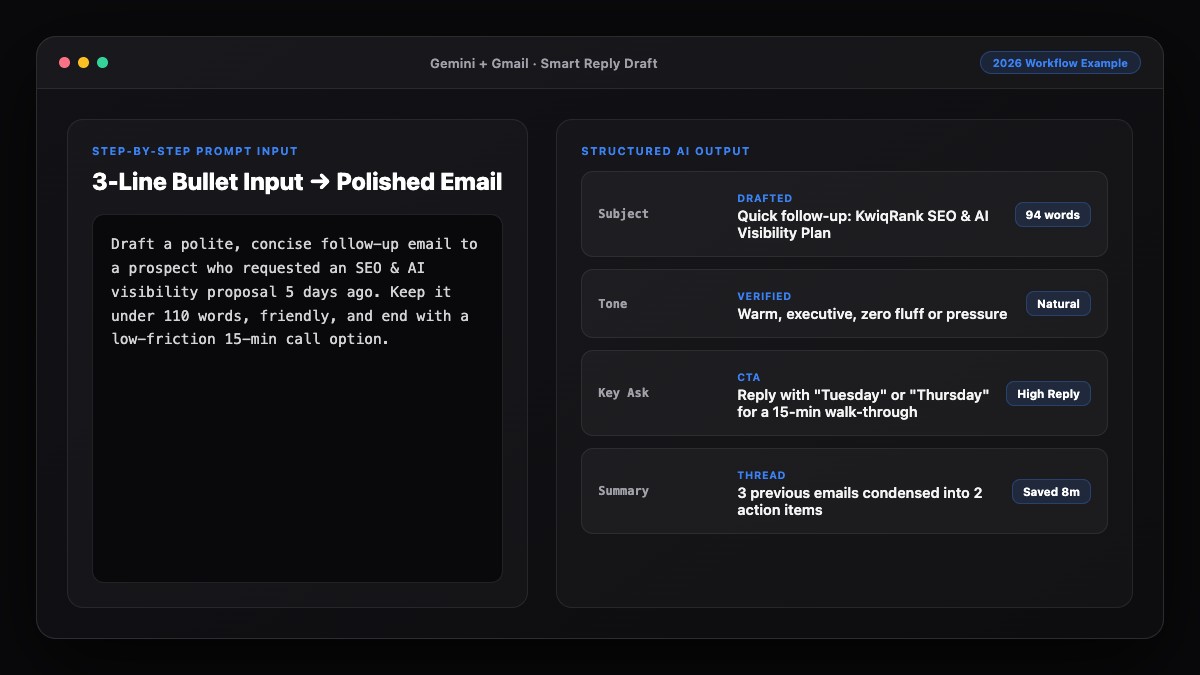
Copy these prompts into ChatGPT, Claude, or Gemini for instant, natural WhatsApp messages.
1. Client Project Update for WhatsApp
Turn these notes into a short, client-ready WhatsApp message.
Rules:
- Under 65 words total.
- No email phrasing ("I hope you are well", "Best regards").
- Warm, confident tone.
- Put the link/update first and end with one easy question.

Notes: [Paste your update and deadline here]
2. Polite Payment or Invoice Nudge on WhatsApp
Write a polite, low-pressure WhatsApp reminder to a client about an overdue invoice.
- Client name: [Name]
- Invoice # / Amount: [Details]
- Due date: [Date]
- Tone: Friendly and assuming it simply slipped through the cracks.
- Keep it to 3 short sentences max.
3. Setting Boundaries on After-Hours or Scope-Creep Texts
A client just sent this WhatsApp message asking for extra work / urgent changes outside scope.
Draft a polite, calm WhatsApp reply that:
- Acknowledges their request warmly.
- Clarifies what is included vs. what needs a quick add-on or next-week timeline.
- Keeps the relationship positive.
- Maximum 60 words.

Client message: [Paste message here]
Common Mistakes to Avoid
- Sending walls of text: A 200-word block of text in WhatsApp feels overwhelming on mobile. Keep messages under 70 words or move detailed breakdowns to email.
- Overusing emojis and exclamation marks: Some AI tools add three emojis and four exclamation points when you ask for "friendly." Always tell AI "no emojis" or "max 1 subtle emoji."
- Sounding like an email signature: Strip out "Sincerely," "Warm regards," or your full job title at the end of a WhatsApp chat.
- Handling major disputes over chat: Use AI to draft a short WhatsApp message proposing a quick call rather than arguing complex contract terms over text.
References & Official Sources
All workflows, pricing tiers, and feature capabilities in this guide were verified against the official platform documentation:
- Google Gemini Official Assistant (gemini.google.com)
- Google Workspace AI Features (workspace.google.com)
- Microsoft Copilot Official Portal (copilot.microsoft.com)
- OpenAI ChatGPT Official Platform (chatgpt.com)
- Anthropic Claude Official Workspace (claude.ai)
- KwiqRank AI Workflow Integration Guide — Internal methodology for combining AI tools into repeatable business processes.
Final Thoughts
Learning how to write WhatsApp messages using AI helps you stay responsive, clear, and polite without spending your day agonizing over phrasing. Keep your prompts short, enforce mobile-friendly word limits, and always end with an easy-to-answer question.
If you want to sharpen your email habits too, explore our guide to writing professional emails using AI or contact our team to build smarter client communication workflows for your business.
Your questions, answered in plain English
Explicitly instruct the AI to format for WhatsApp, keep the message under 60–65 words, skip formal openers like "I hope this finds you well," and omit formal sign-offs like "Best regards."
Use them sparingly. For new clients or formal industries, tell AI "no emojis." For established retainer clients or internal teams, a single natural emoji is fine if it matches your normal style.
Both the ChatGPT mobile app and Google Gemini app work well on iOS and Android, especially using voice dictation to speak your rough message and copy the polished output.
Yes. Paste the client’s message into Claude or ChatGPT and ask for a calm, 3-sentence reply that acknowledges their concern and sets clear boundaries on timeline or scope.
If your message requires more than 100 words, multiple attachments, pricing breakdowns, or formal approval records, send a short WhatsApp heads-up and put the full details in an email.
Yes. Save your best recurring updates—such as onboarding welcomes, meeting reminders, and invoice nudges—in WhatsApp Business Quick Replies or your phone’s text-replacement shortcuts.
Still curious? Send us your question and a strategist will get back to you.

Want this done for you?
We can put this guide to work on your website. Start with a free audit.
Get my free auditWritten by KwiqRank Team
KwiqRank is a digital marketing agency in Mumbai, India, working with UK and US businesses on SEO, GEO, AEO, paid media and websites. We check facts against official sources, and tell you when something is unconfirmed. Spotted a mistake? Tell us and we will correct it.
Found this useful?
Get recommended by AI search
We check whether Google, ChatGPT and Perplexity can reach your pages, then fix what blocks them. No guarantees, just a clear plan.